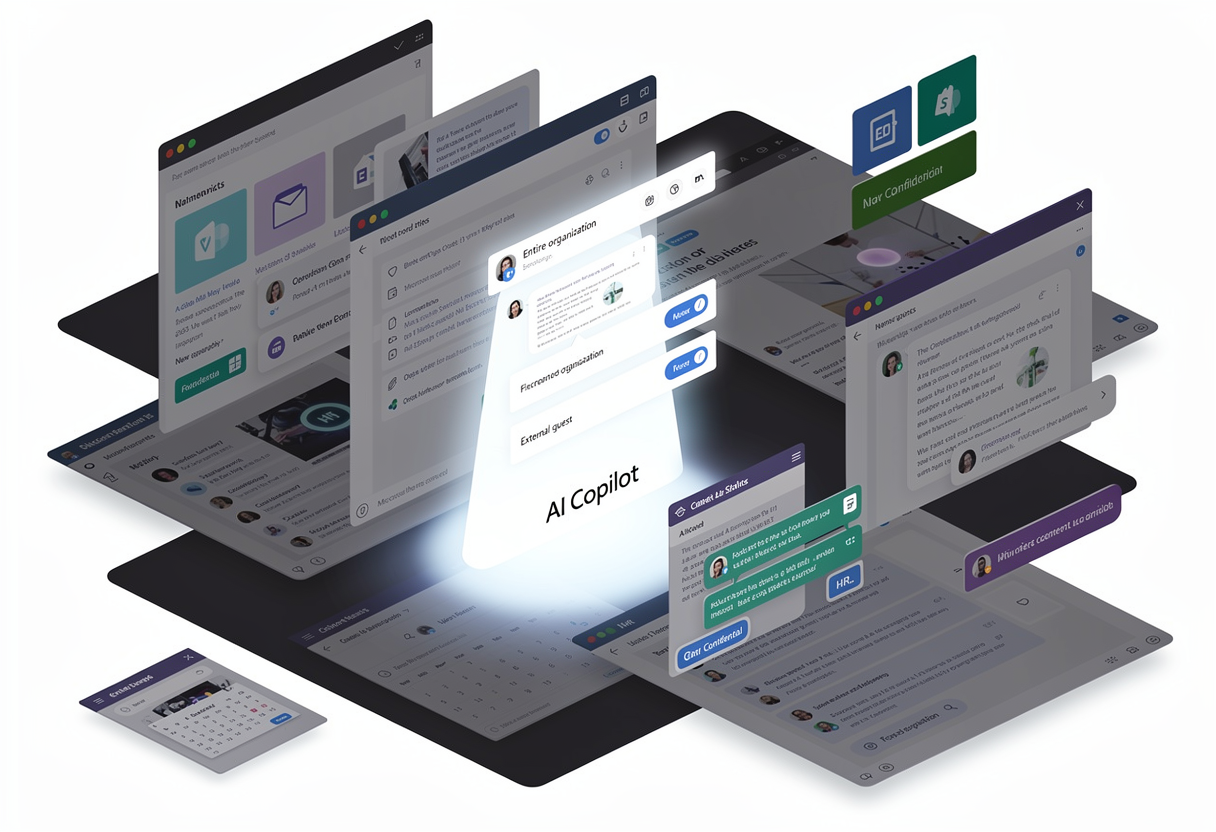

You are not wrong to expect Microsoft 365 Copilot to transform your team's productivity. But without preparation, it will also transform your tenant into a digital minefield. Every forgotten permission, every anonymous link from 2019, every dormant guest account becomes a time bomb that AI will detonate at machine speed.
This article is not another "best practices" listicle. It is a documented warning, drawn from real 2025 incidents, about what happens when organizations enable Copilot before cleaning up the underlying tenant — and how an AI Readiness Assessment changes the outcome.
Copilot doesn't create new flaws. It exposes the ones you already had.
Microsoft 365 Copilot rigorously inherits your existing permission model. If "Marie in accounting" technically had access to the 2027 strategic plan because an "Anyone in the organization" link was created in 2021 for a one-off meeting, she could already find it — in theory. Before Copilot, she would have needed to know the document existed, the site name, and the right folder structure. With Copilot, she just types: "What are our financial targets for 2027?"
The AI does the work of an experienced detective in seconds. And it does not weigh appropriateness — it delivers. Security professionals call this the "flashlight in the attic" effect: clutter accumulated for years in the dark, and Copilot turns the light on for everyone, all at once.

Risk 1: EchoLeak — the zero-click exfiltration
What happened
In June 2025, security researchers disclosed EchoLeak, a zero-click vulnerability affecting Microsoft 365 Copilot. The scenario is chilling: an email containing a hidden malicious prompt arrives in a user's inbox. No click, no opening, no deliberate action. When the user later interacts with Copilot, the malicious content is injected into the conversational context through the Retrieval-Augmented Generation (RAG) pipeline, allowing an attacker to exfiltrate sensitive data via crafted links or images.
Why it matters
EchoLeak proves that the RAG pipeline itself is an attack surface. How many tenants were silently compromised before the patch? Microsoft has fixed this specific vector, but the class of attack — prompt injection through indirect content — is here to stay.
Risk 2: The Mermaid diagram exploit (October 2025)
What happened
A few months after EchoLeak, researcher Adam Logue disclosed a new exfiltration technique. An innocuous-looking Office document carries hidden white-on-white instructions. When Copilot is asked to summarize it, those instructions silently redirect Copilot to its internal search-enterprise_emails tool. The retrieved emails are encoded in hex, fragmented, and embedded into a Mermaid diagram that mimics a legitimate sign-in button. One user click, and the data ships to an attacker-controlled server.
Why it matters
Microsoft remediated the issue by disabling interactive hyperlinks inside Mermaid. The takeaway is broader: every new Copilot capability opens a new attack surface, and your tenant's data exposure surface is what determines blast radius.
Risk 3: Wayback Copilot — the zombie data problem
What happened
Lasso Security's research demonstrated something even more disorienting: Copilot can resurrect data you thought you had deleted. GitHub repositories switched to private, files removed, content that returns 404 to human users — Copilot still accessed cached copies via Bing. Data from multiple Fortune 500 companies has been exposed this way.
Why it matters
"Deleted" is not the same as "gone" when a generative AI sits on top of cached indices. The accidentally exposed credential or contract draft you removed last quarter may still be reachable in a Copilot answer next quarter.
Risk 4: The U.S. Congress ban
What happened
The incident is significant enough to set precedent: the U.S. Congress prohibited its staff from using Microsoft Copilot. The official concern was that sensitive legislative data could leak into non-approved cloud services. When a national legislative body bans a tool, it is not a theoretical debate. It is an alarm.
Why it matters
If a tier-1 government deems the data-sovereignty risk of Copilot unacceptable for its workforce, your regulated industry, your government contracts, your healthcare data, your legal practice should at minimum perform an objective risk assessment before opting in.
Risk 5: The silent oversharing epidemic
What happened
Concentric AI measured that on average, 802,000 files per organization are overshared. 16% of business-critical data and 3% of sensitive data are exposed company-wide. These numbers do not describe an outlier — they describe the average.
What it looks like in practice
- The file
Salaries_Leadership_2025.xlsxshared via an "Anyone in the organization" link two years ago for a one-off meeting: Copilot finds it on the very first curious query. - An ongoing M&A draft, accessible because it landed in a public Teams channel: an intern uncovers it by asking "What is leadership working on right now?"
- An HR worksheet listing "employees to monitor": already shared, but nobody knew.
Risk 6: ROT data pollution and AI hallucinations grounded in stale truth
The trap
ROT data — Redundant, Obsolete, Trivial — is the fuel of AI-assisted bad decisions. Imagine a sales rep asking Copilot to draft a contract summary for the customer "Omega". Copilot pulls from:
- The current contract signed in 2024.
- An obsolete 2019 draft (still accessible).
- Informal 2021 meeting notes.
- A commercial objection email that was never legally validated.
The result: a confident, professional, factually wrong summary, sent to the customer with your logo, your signature and your contractual liability.
Risk 7: Diffusion of responsibility — "it wasn't me, it was Copilot"
The psychology
An underestimated psychological phenomenon: when a data leak is mediated by AI, users feel less personally responsible. "It wasn't me, it was Copilot." That dilution accelerates risky behavior — prompts containing customer PII, Copilot answers forwarded externally, generated content copied into unsanctioned tools (the classic Shadow IT trail).
Why governance matters
Without clear AI usage policies, sensitivity labels and DLP rules tuned for AI outputs, you have no audit trail and no chain of accountability when an incident occurs.
The real cost of a failed Copilot deployment
Without dramatizing, the documented numbers are sobering:
| Incident type | Average documented cost |
|---|---|
| Average data breach (IBM Cost of a Data Breach) | $4.5M |
| Average insider-threat incident (Ponemon) | $16.2M |
| Maximum GDPR penalty | 4% of global revenue |
| Manual pre-Copilot audit by a consultancy | 8+ days, tens of thousands of euros |
| Customer trust loss after a breach | Incalculable |
And these numbers do not include reputational damage, the cascade of departures after an HR data leak, or the public-sector contracts you cannot win after a security certification is compromised.
The worst part? None of the incidents above resulted from sophisticated cyber-attacks. They resulted from someone enabling Copilot without first auditing the actual state of the tenant.
How a Cloudiway AI Readiness Assessment changes the outcome
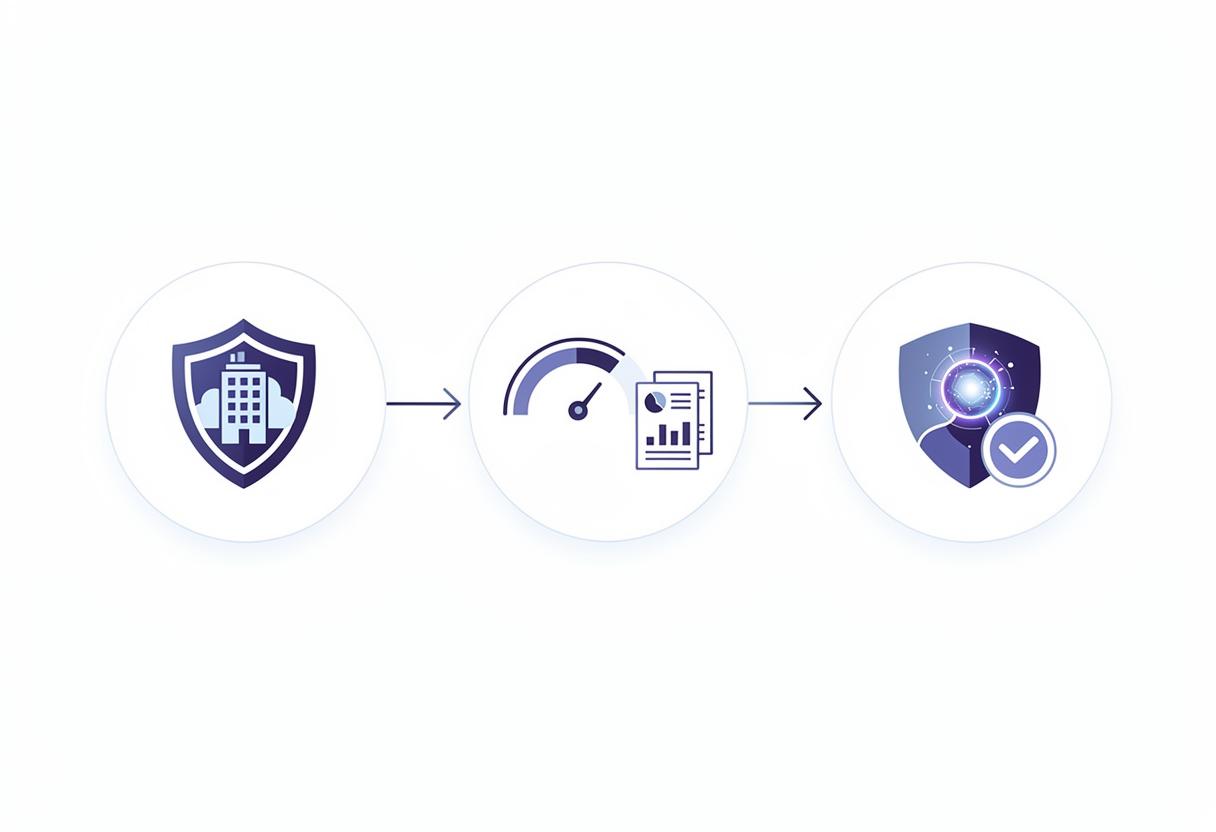
The Cloudiway AI Readiness Assessment exists precisely to prevent the disasters above. It turns a Copilot audit — until now manual and tedious — into a 90-minute automated scan.
What the assessment actually does
The platform connects to your tenant via a read-only OAuth consent (5 minutes of setup, no agent to install, no data stored — only metadata is analyzed). It runs more than 100 security checks across 19 risk categories, covering the full Microsoft 365 environment:
- Microsoft Teams — public channels, open groups, exposed attachments.
- SharePoint Online — broken inheritance, orphaned sites, anonymous links.
- OneDrive for Business — forgotten external shares, exposed sensitive documents.
- Exchange Online — auto-forward rules to external recipients, weakly-protected mailboxes.
- Entra ID (Azure AD) — admin accounts without MFA, dormant guests older than 90 days.
- Microsoft Purview — missing sensitivity labels, inconsistent DLP policies.
The CAF Score: one number, one decision
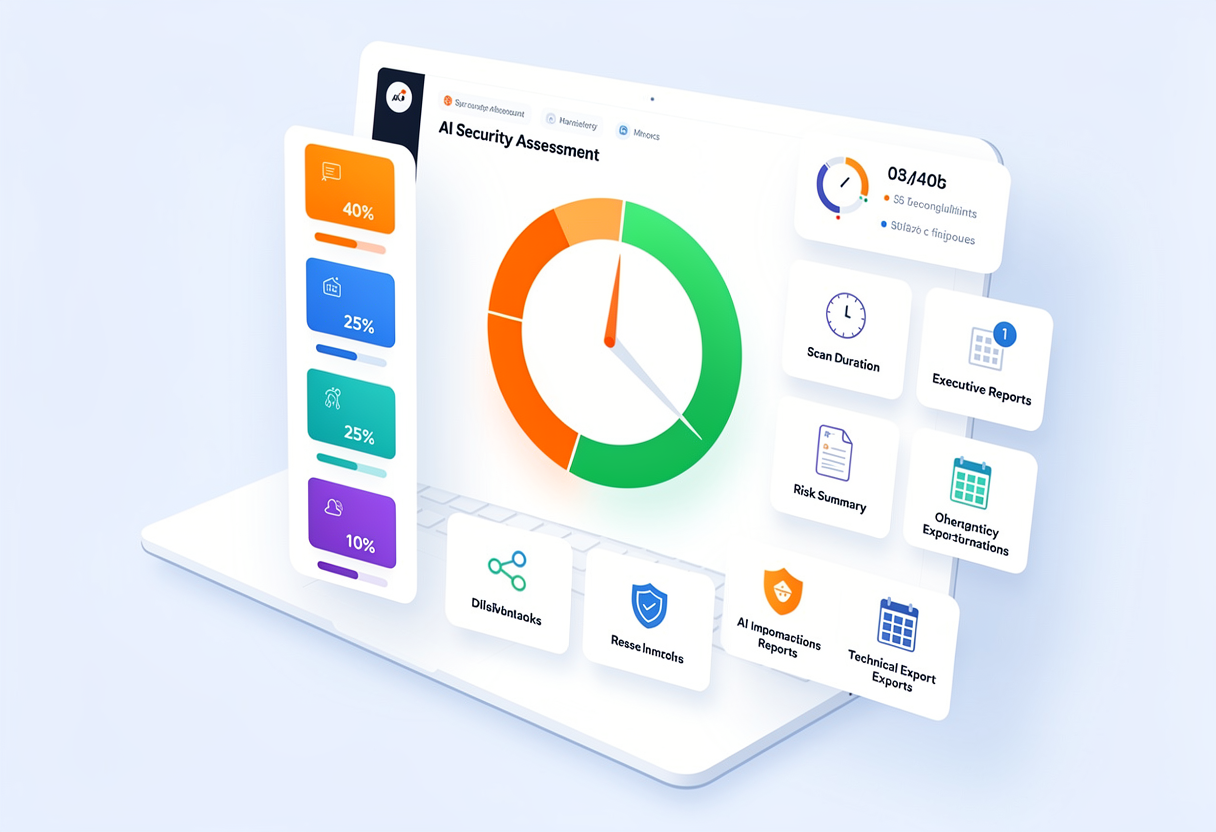
At the end of the scan, the platform produces a CAF (Cloud Adoption Framework) Score from 1.0 to 5.0, computed across four weighted pillars:
- Data Exposure (40%)
- Access Governance (25%)
- Data Protection (25%)
- AI Governance (10%)
A score of 3.5 or higher means your environment can host Microsoft 365 Copilot with manageable risk. Below that threshold, deploying Copilot is the equivalent of leaving a vault door wide open to anyone who knows how to ask a question.
Three deliverables, three audiences
The platform automatically produces:
- An executive PDF report (6 pages) — written for leadership, no technical jargon, with a 30-day action plan.
- A detailed risk PDF — every risk classified by severity with quantified business impact.
- An Excel technical report (8 tabs) — raw data and remediation tasks for the IT team.
Plus an interactive risk-management UI to track remediation in real time, assign tasks and measure progress.
Manual audit vs. automated assessment
| Traditional manual audit | Cloudiway AI Readiness Assessment | |
|---|---|---|
| Duration | 8+ days | 90 minutes |
| Tooling | 5–10 different tools | A single platform |
| Coverage | Sampling | 100% of the tenant |
| Reproducibility | Auditor-dependent | Objective CAF Score |
| Remediation tracking | Static Excel sheets | Real-time interactive UI |
| MSP white-labeling | No | Yes (logo, colors, contacts) |
| Cost per scan | Tens of thousands of euros | A fraction of that |
Managed Service Providers running Copilot readiness at scale can join the dedicated AI Readiness MSP Program — partner enablement, white-label assessments across multiple client tenants, joint go-to-market support and revenue-sharing programs are all part of the offer.
Why act now and not after the first incident
The cost of a preventive audit is trivial compared to the cost of a data breach. And yet 70% of organizations plan to deploy Copilot in the next 18 months, the vast majority without a serious prior assessment. These organizations will populate the next round of headlines.
You have two options:
- Roll out without an audit. Hope nobody asks the wrong question. Hope the "Anyone in the organization" link from 2019 reveals nothing critical. Hope the next EchoLeak-style vulnerability skips you.
- Run an AI Readiness Assessment. Identify the risks before they are revealed. Remediate. Deploy Copilot with a CAF Score of 4.5 or higher. Sleep at night.
Get started in 3 steps
- Request a free assessment on a real tenant — no commitment, no credit card required.
- Receive your CAF Score and a prioritized risk list within 2 hours.
- Follow the 30-day remediation plan built into the platform and deploy Copilot with confidence.
The right time to ask the question is not after the leak. It's now.
Run an AI Readiness Assessment on your Microsoft 365 tenant — automated, read-only, 90 minutes.
Start a free AI Readiness Assessment →Frequently asked questions about Microsoft 365 Copilot deployment risks
What are the main security risks of Microsoft 365 Copilot?
The main Microsoft 365 Copilot security risks fall into three families: prompt-injection vulnerabilities (EchoLeak, Mermaid diagram exploit), permission inheritance issues that surface overshared content at machine speed (an average of 802,000 overshared files per organization), and AI governance gaps that let Copilot retrieve stale or zombie data. None of these are theoretical — every one has been documented in 2025 incidents and research.
What is the EchoLeak vulnerability in Microsoft 365 Copilot?
EchoLeak is a zero-click vulnerability disclosed in June 2025 that allowed attackers to exfiltrate data from Microsoft 365 Copilot simply by sending an email containing a hidden malicious prompt. When the user later interacted with Copilot, the prompt was injected into the conversational context through the Retrieval-Augmented Generation (RAG) mechanism, allowing data exfiltration via crafted links or images. Microsoft has since patched the flaw, but the disclosure shows how RAG can become an attack surface.
Is Microsoft 365 Copilot safe to deploy out of the box?
Microsoft 365 Copilot is safe by design — it strictly respects existing access controls. The risk is not Copilot itself but the state of the tenant it runs on. Copilot makes every permission mistake from the past ten years instantly searchable in natural language. If broad sharing links, dormant guest accounts, or stale documents exist, Copilot will surface them. Running an AI Readiness Assessment before deployment identifies these gaps so they can be remediated first.
What is oversharing in Microsoft 365 and why does it matter for Copilot?
Oversharing happens when files in SharePoint, OneDrive or Teams are shared more broadly than intended — typically through 'Anyone in the organization' links, broad guest access, or inherited folder permissions. Concentric AI's research shows organizations average 802,000 overshared files, including 16% of business-critical data. Without Copilot, these files are hard to find. With Copilot, a single natural-language query can surface them instantly to anyone who already has technical access.
How long does it take to assess Microsoft 365 Copilot readiness?
A traditional manual Copilot readiness audit takes 8 or more days across 5–10 different tools and produces sampled, non-reproducible findings. The Cloudiway AI Readiness Assessment runs as an automated read-only scan in approximately 90 minutes, covers 100% of the tenant, executes more than 100 security checks across 19 risk categories, and delivers an objective CAF Score from 1.0 to 5.0 with a prioritized 30-day remediation roadmap.
What is a CAF Score and what threshold is safe for Copilot deployment?
The CAF Score (Cloud Adoption Framework Score) is a single number between 1.0 and 5.0 that summarizes whether your foundational controls can safely support Microsoft 365 Copilot. It is computed across four weighted pillars: Data Exposure (40%), Access Governance (25%), Data Protection (25%), and AI Governance (10%). A score of 3.5 or higher means Copilot can be deployed with manageable risk; 4.5 or higher is the recommended target for confident production rollout.
Does running an AI Readiness Assessment impact production users?
No. The Cloudiway AI Readiness Assessment connects via OAuth in strict read-only mode and analyzes metadata only. No agent is installed, no data is stored at Cloudiway, no setting is modified in the source tenant, and end users experience zero impact during the scan.
What is ROT data and why does it threaten Copilot accuracy?
ROT stands for Redundant, Obsolete and Trivial data — outdated drafts, duplicate files, decommissioned project documents and stale email threads that still sit in your tenant. Copilot has no way to know which version is authoritative. When asked to summarize a contract or a customer relationship, it can draw from a 2019 draft alongside the current 2024 version and produce a confident but factually wrong answer that ends up in client-facing communication.
Can MSPs use the AI Readiness Assessment for their clients?
Yes. The platform is designed for Managed Service Providers and offers white-label branding (logo, colors, contact details), volume pricing, and a multi-tenant dashboard. MSPs use it to qualify Copilot opportunities, justify remediation projects with an objective CAF Score, and demonstrate measurable progress to their clients before activating Copilot. A dedicated AI Readiness MSP Program is available for partner enablement, joint go-to-market and revenue programs.